
Guides, videos and policies — everything you need to get the most out of your AiScan O1.
How we collect, use and protect your personal information across our store and services.
Read the policyStep-by-step walkthrough: setup, scanning modes, AI features, editing and export.
Open the guideOfficial tutorials and hands-on reviews — watch the full AiScan O1 workflow on YouTube.
Watch nowFrom unboxing to advanced real-world techniques — straight from our YouTube channel.

More tutorials on the official channel — AiScan O1 on YouTube →
Setup takes under five minutes. Here's the complete workflow.
Select your language, connect to Wi-Fi, set the timezone, opt in/out of the experience program, enable auto-update and accept the terms. A built-in on-screen tutorial then walks you through the interface.
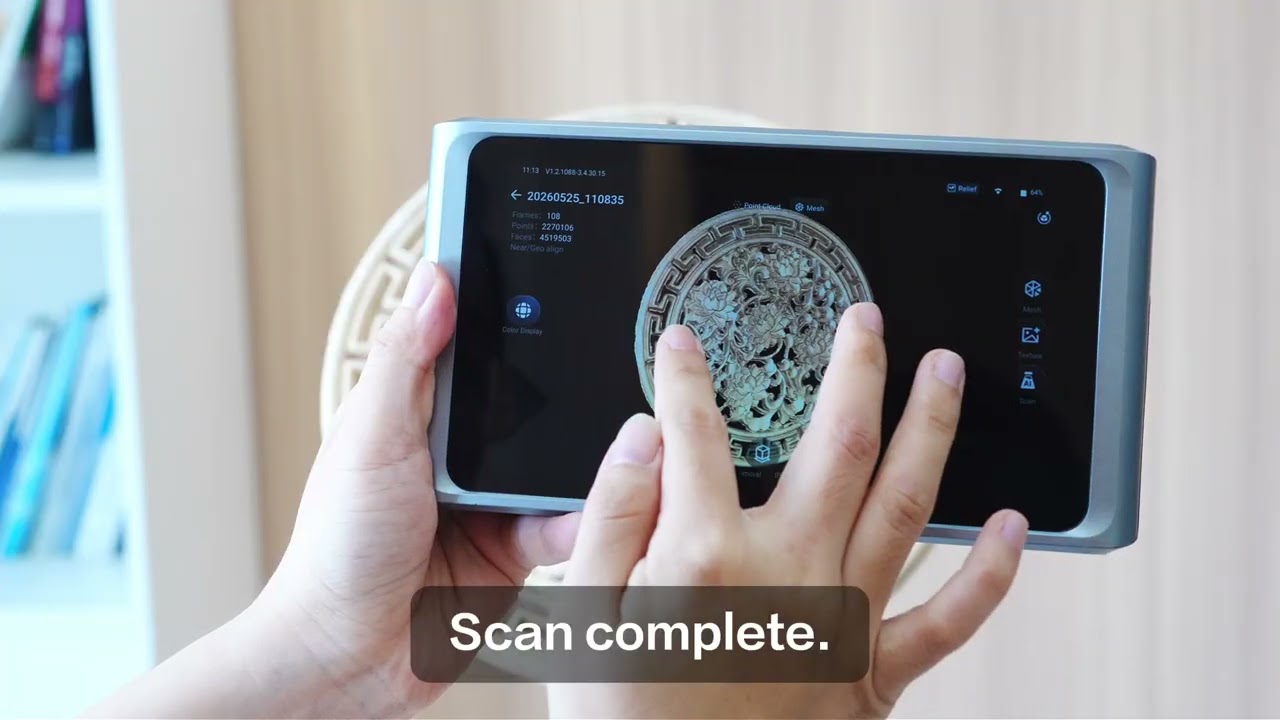
Tap the AI Mode button to cycle profiles: Universal (most objects), 3DGS (lifelike visual), Low Glossy (metal/paint), Relief (engraving) and Dark (dark/black surfaces). AI Scan Mode configures exposure, alignment and point density automatically.
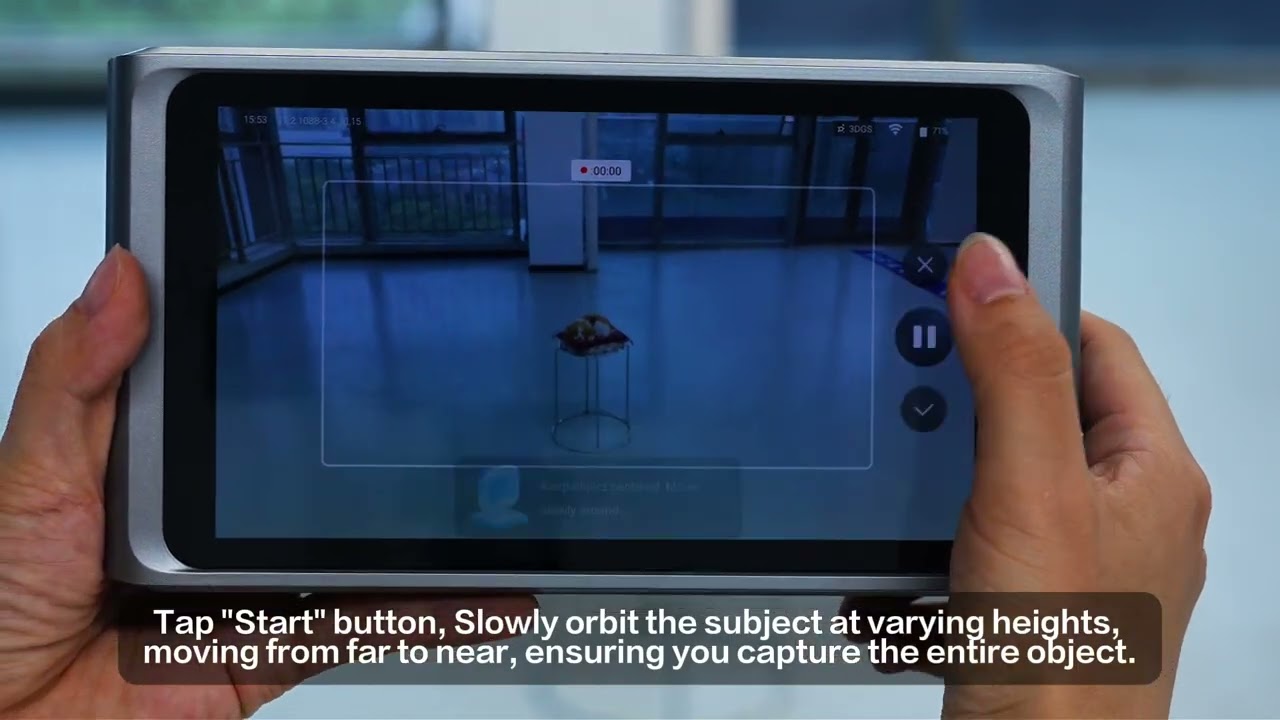
Place your object on the motorized turntable against a plain, elevated background. Keep the distance indicator green (red = too far). Start the scan and let the turntable rotate at least twice — FPS, frame count and point count show in real time.
Stop the capture and select Fuse at the highest detail setting to convert the raw capture into a mesh.
Tap AI Detection — the system highlights up to three incomplete regions and gives directional guidance. Flip the object to expose missing areas and continue scanning; repeat until coverage is complete (typically 1–2 extra passes).
Remove the background with the on-device lasso tool, clean the mesh, then export a print-ready watertight mesh, a raw point cloud, or a 3DGS file — via USB-C or Wi-Fi 6.
Geo Align (default) works for most objects with visible geometry. Use Marker Align when you've placed the included physical markers — best for reflective or repeating shapes. Use Texture Align for objects with distinct surface texture.
For chrome, polished metal and mirrors, apply 3D scanning spray evenly before scanning — it's the difference between fragments and a usable mesh. Coins and tools benefit greatly from spray plus marker alignment.
Switch to Dark mode. In testing, a black computer mouse scanned well in Dark mode with marker alignment — even capturing fingerprint-level detail in the texture.
If the scanner can't see the underside, don't force one continuous scan. Capture each side separately and merge — on-device or in your preferred software.
Use 3DGS when you need photorealistic visuals for graphics, art or game design. Use a normal scan with markers when the destination is a slicer and you need a printable, watertight mesh.
Last updated: April 10, 2026
We operate this store and its website, including all related information, content, features, tools, products and services, in order to provide you, the customer, with a curated shopping experience (the "Services"). This Privacy Policy describes how we collect, use, and disclose your personal information when you visit, use, make a purchase through, or otherwise communicate with us. By using the Services, you acknowledge that you have read and understand this Privacy Policy.
Depending on how you interact with the Services, we may collect or process the following categories of personal information:
We may share personal information with service providers who perform services on our behalf (e.g., payment processing, IT management, data analytics, cloud storage, fulfillment and shipping), with business and marketing partners, with our affiliates, when you direct or consent to disclosure, and in connection with business transactions or legal obligations.
Depending on where you live, you may have rights to access, delete, or correct the personal information we hold about you, to data portability, and to opt out of promotional communications at any time via the unsubscribe option in our emails. We will not discriminate against you for exercising these rights, and we may need to verify your identity before processing requests.
The Services are not intended for children, and we do not knowingly collect personal information from children under the age of majority. No security measures are perfect; please avoid transmitting sensitive information over unsecure channels. We may transfer and process personal information outside your country of residence, relying on recognized transfer mechanisms such as the European Commission's Standard Contractual Clauses where required.
We may update this Privacy Policy from time to time and will revise the "Last updated" date accordingly. For questions about this policy or to exercise your rights, contact us at service@aicxl3d.com.